Platform update · August 2026
Rather than tour everything that changed, we looked at what you open, what you pin, and what you ask for — then built the walkthrough around only that.
Step one
Everything below came out of the live platform, not a survey. It is what told us which five minutes were worth recording.
Step two
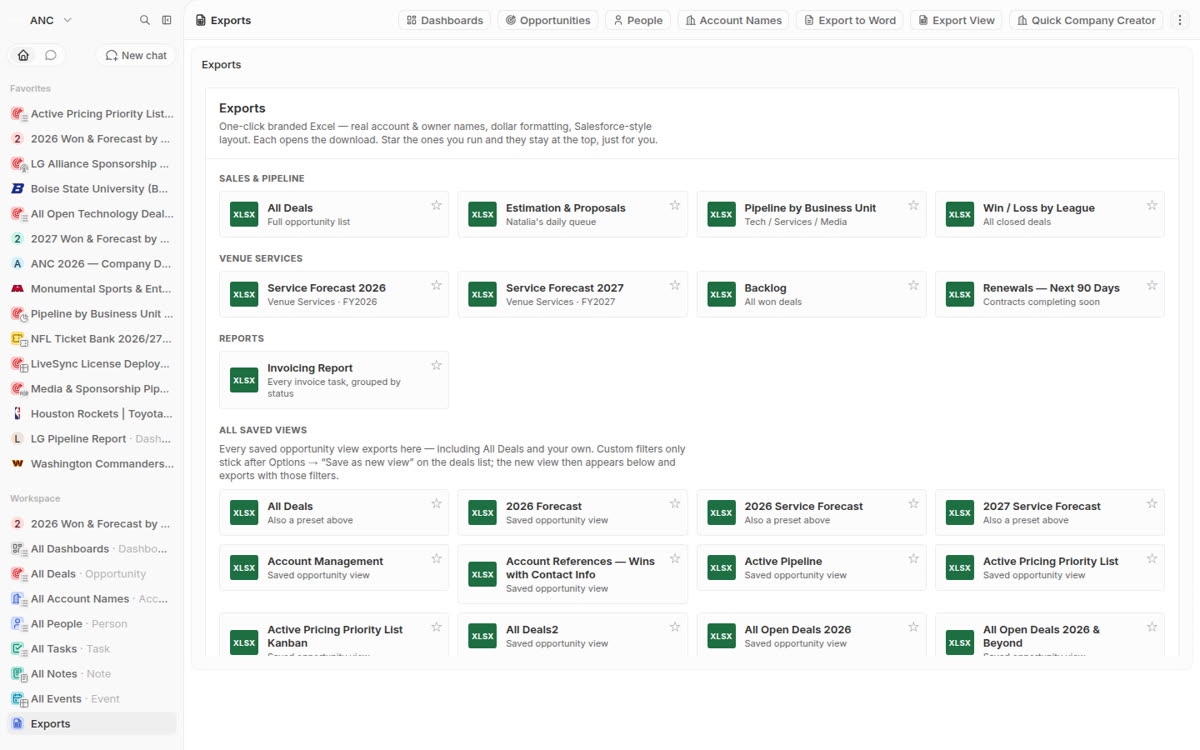
These are the surfaces sitting in your sidebar right now, in their own order. Every one of them appears in the video; nothing else does.
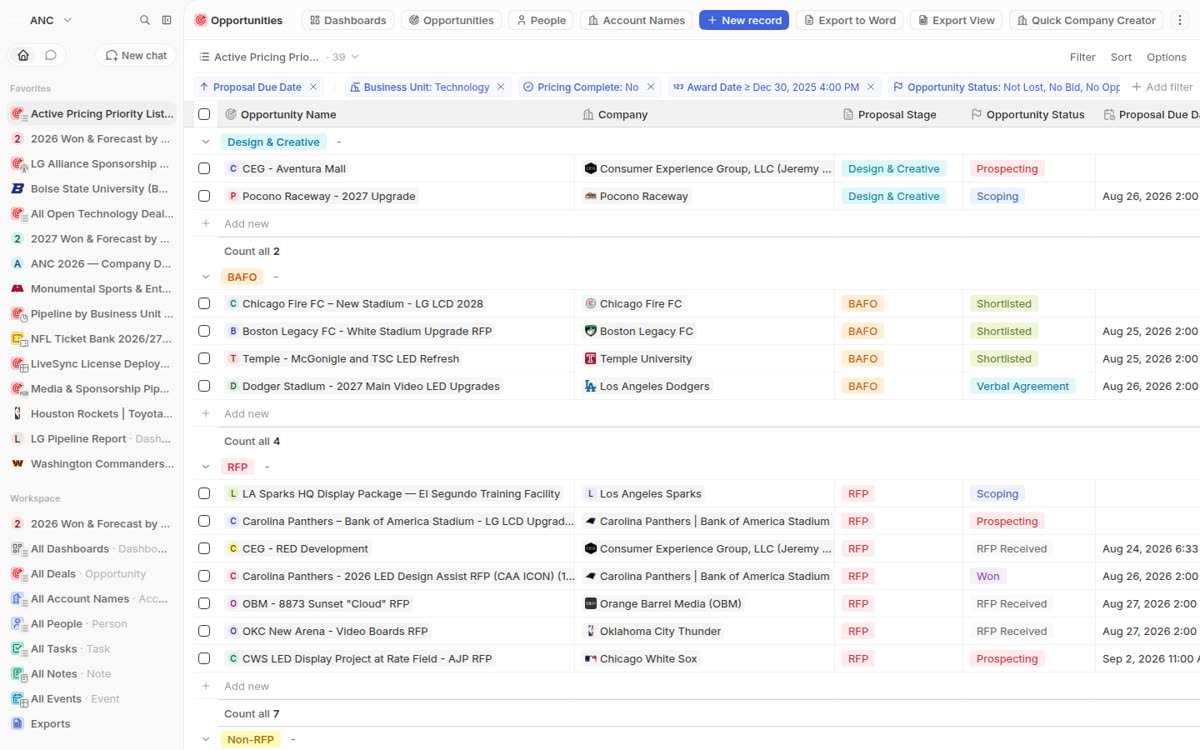
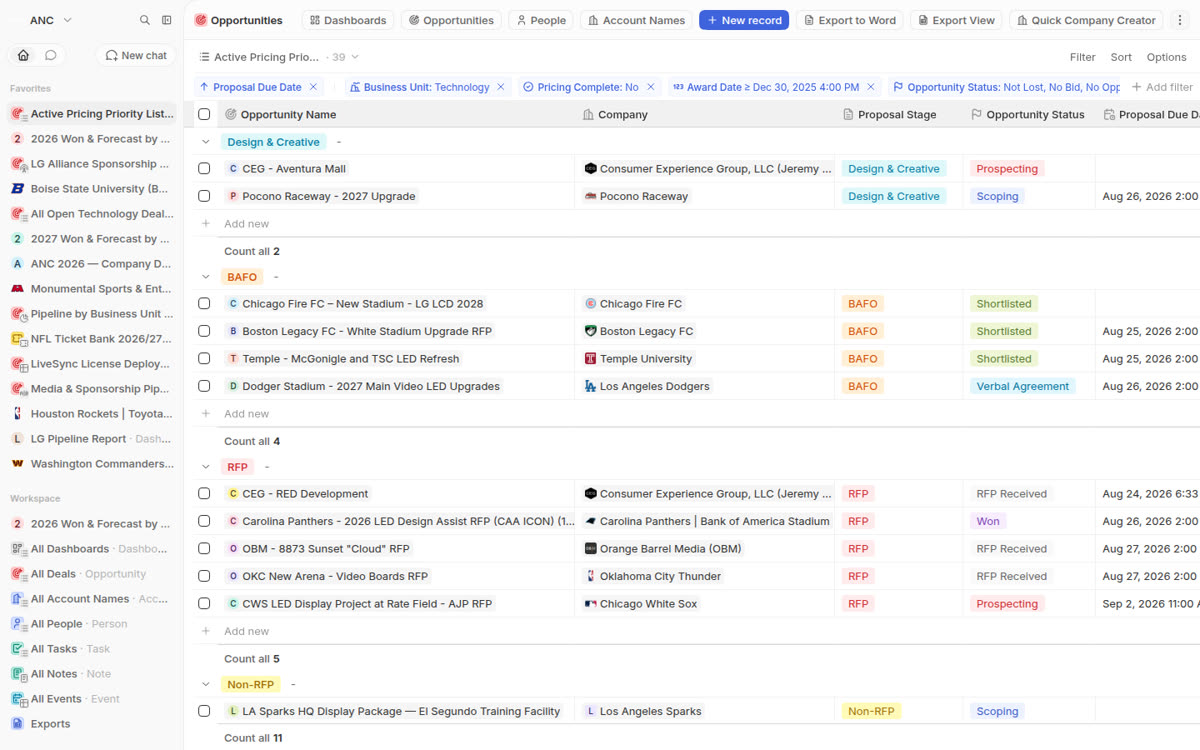
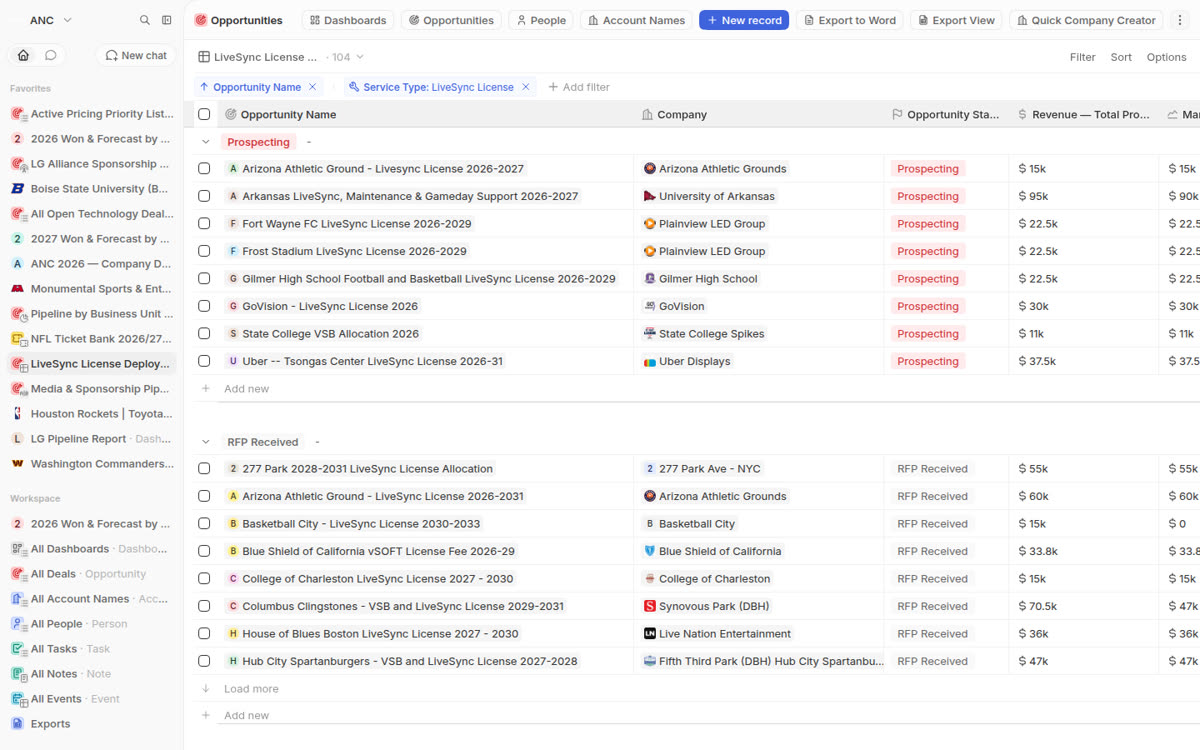
Thirty nine live deals, grouped by proposal stage, counts under every group, your filters and column order exactly as they were before the update.
Step three
Five changes matter for the way you work. Each one below is a real frame from the walkthrough, not an illustration.
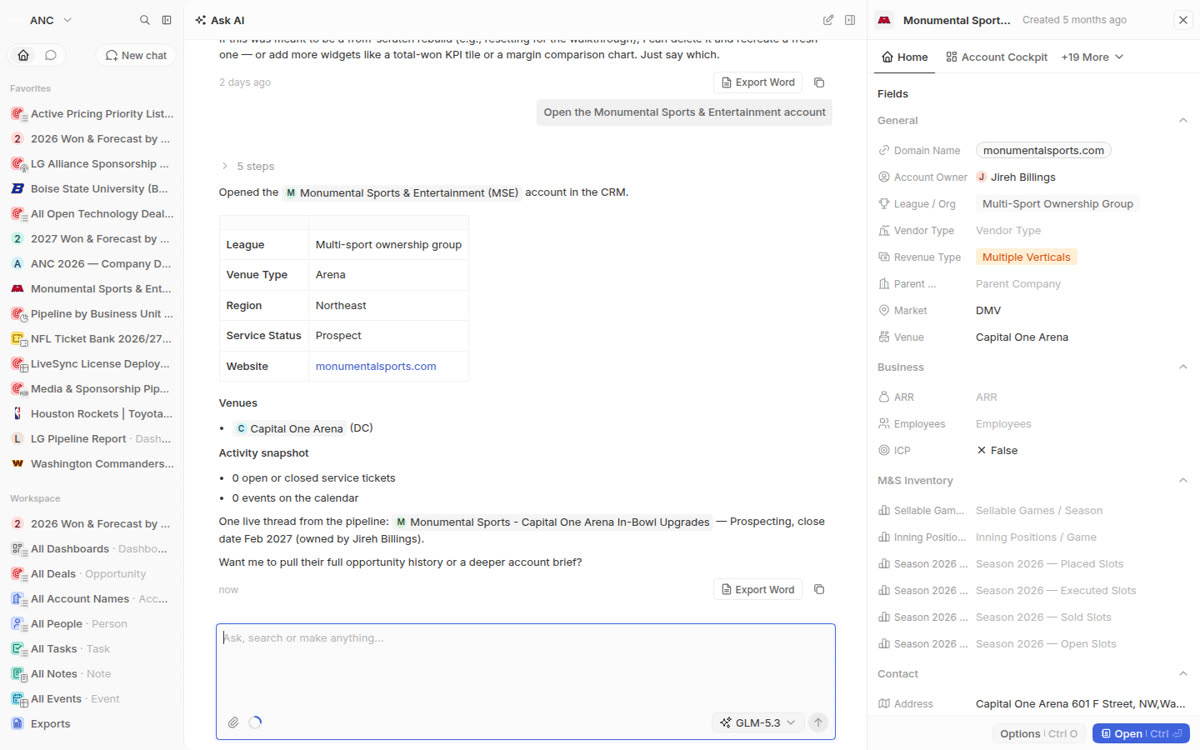
The assistant used to sit in a narrow strip on the right edge. It now takes the full page, and when you ask it to open an account, the account arrives next to the conversation — here Monumental Sports, with your name on it as account owner and every tab you know.
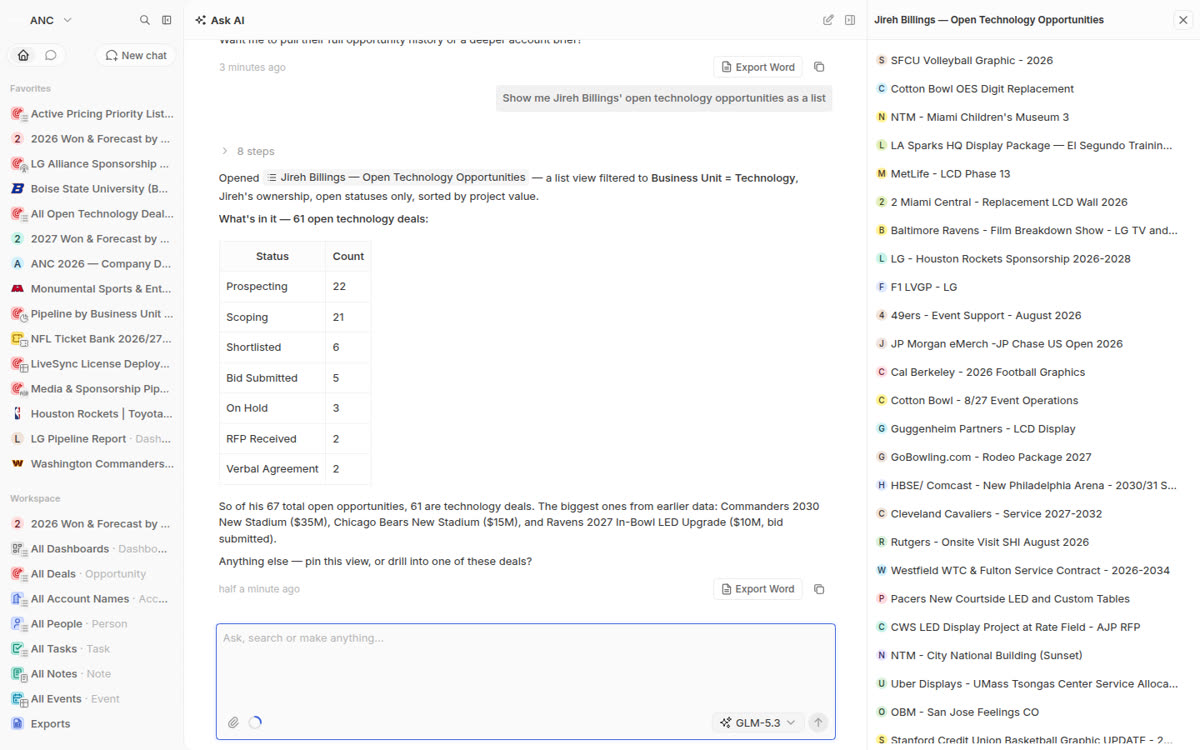
Sixty one open technology deals out of sixty seven open opportunities, with the biggest named: Commanders 2030 New Stadium at $35M, the Bears new stadium at $15M, the Ravens 2027 in-bowl upgrade at $10M. You click straight into any of them and keep talking.
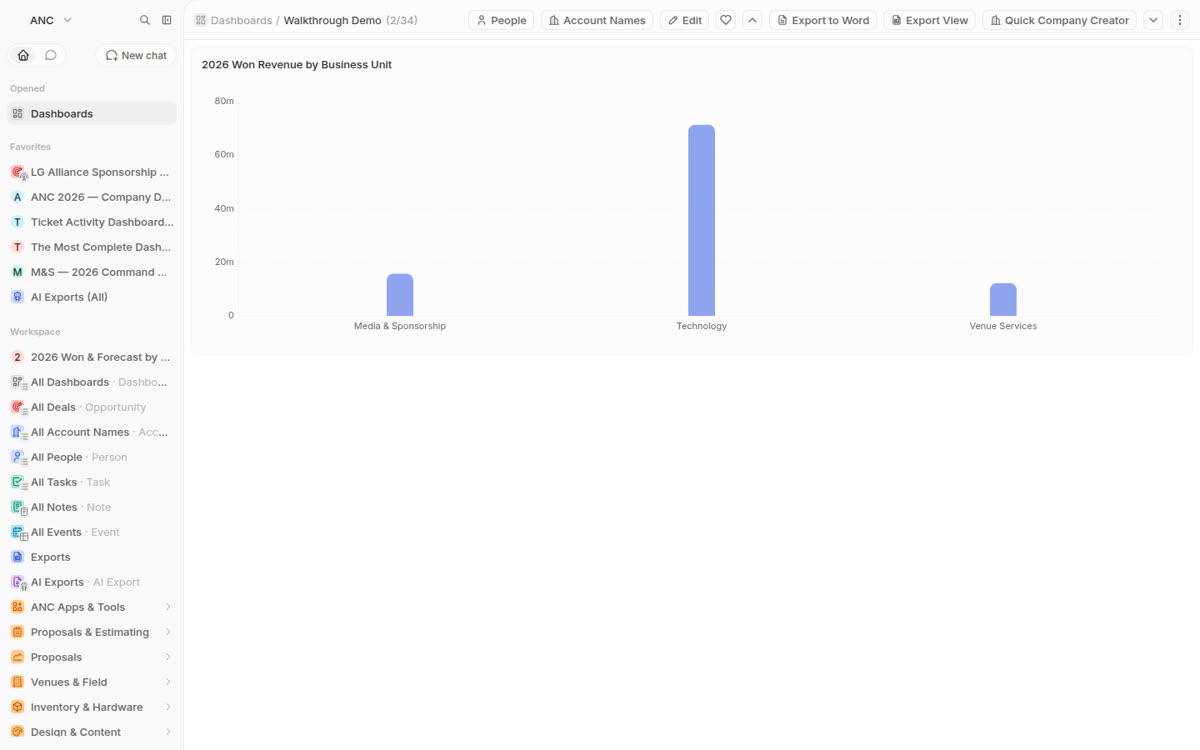
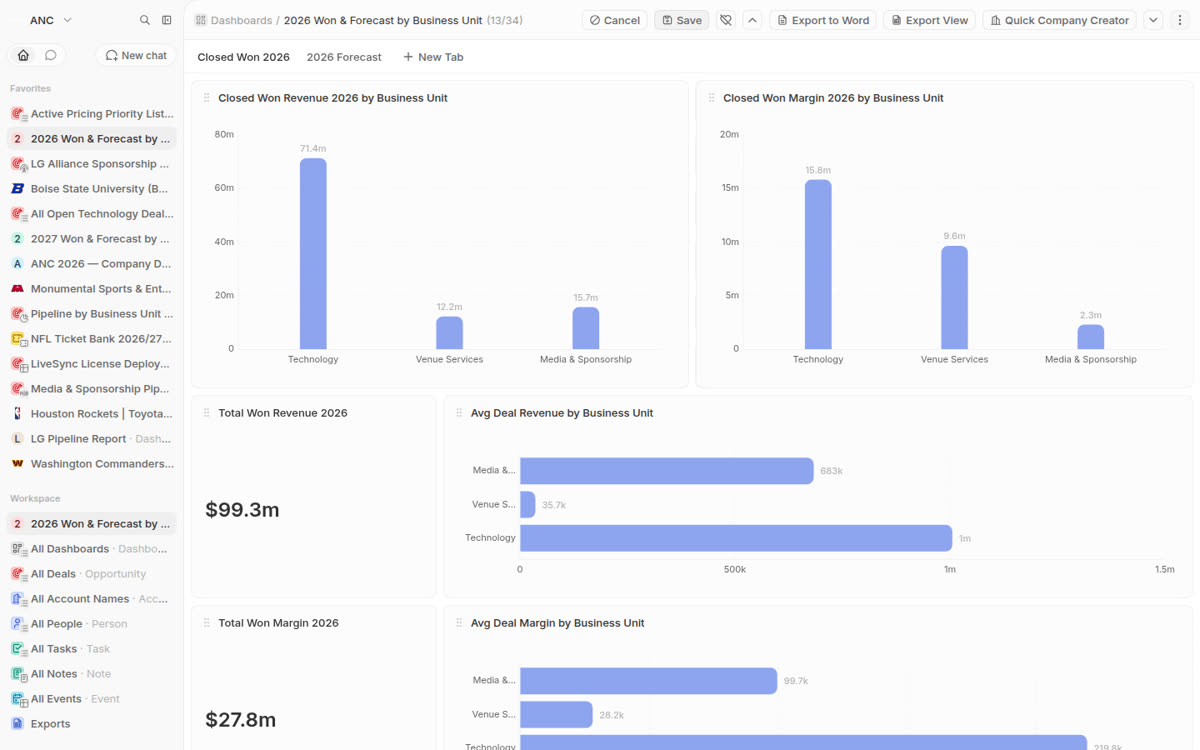
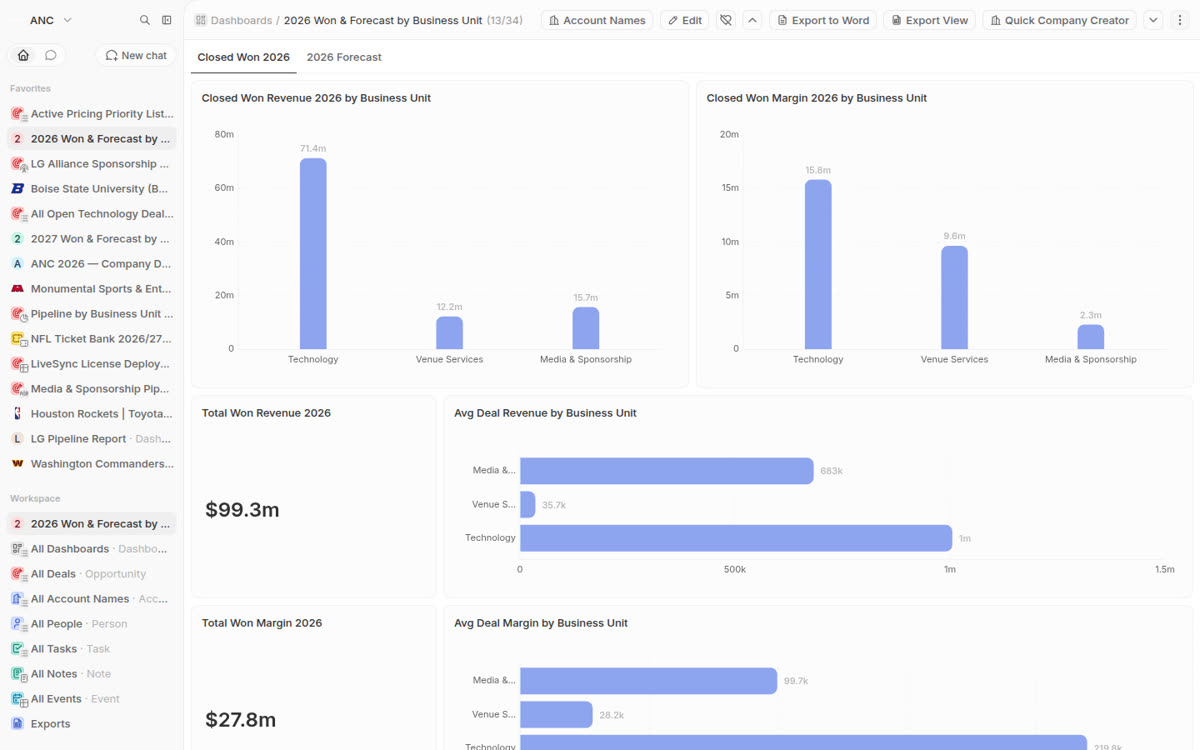
You have asked for a dashboard in conversation four separate times — closed won by business unit, the same again for the following year, average deal margin added on. It now builds them itself: one sentence in, a working dashboard out.
Click the small arrow on any row and the full record slides in next to it. Your filters and your place in the list both survive.
Widgets drag between tabs, and the settings you put on a widget stay put when you save. That was the part that used to lose your work.
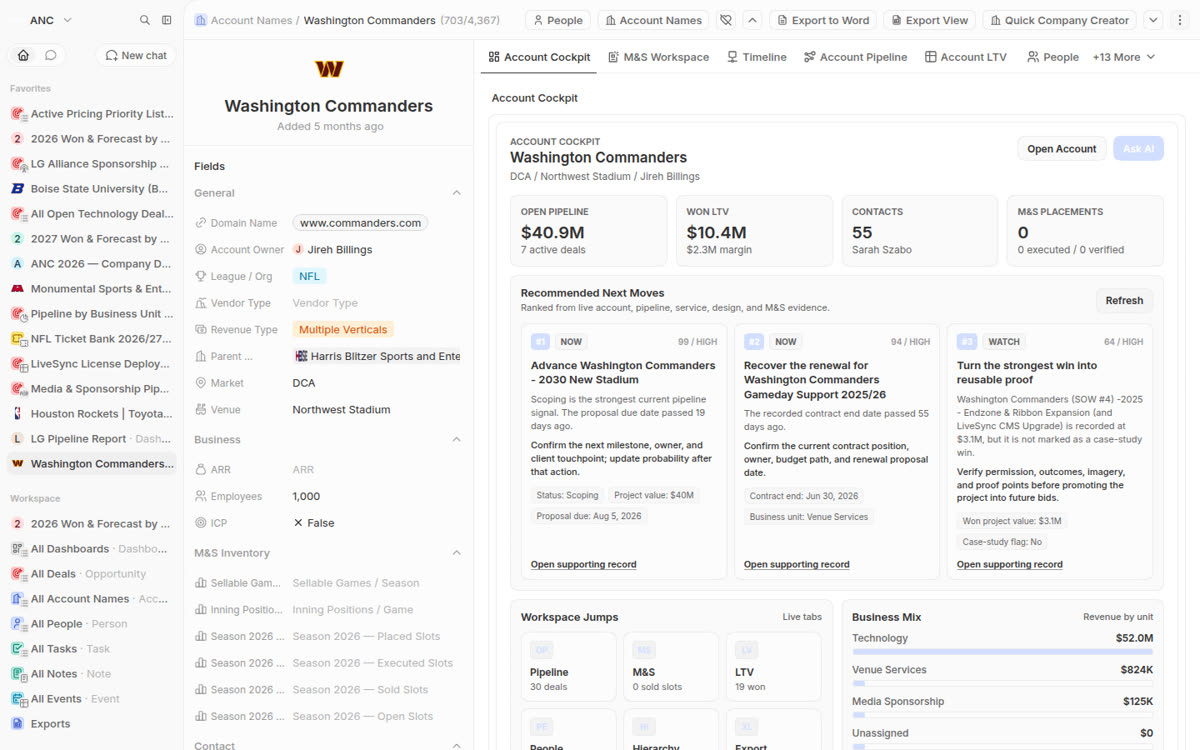
Open pipeline of $40.9M across 7 active deals, $10.4M won lifetime value, 55 contacts, the business mix by unit, and the ranked next moves — the account-centric picture you asked for at the very start, exactly as it was.
Step four
Filming the Commanders account surfaced a panel that was failing. It was not specific to one login — it was failing for everyone, on the account page you open most.
The panel reported a permission failure instead of content. The update had changed which identity the check runs against, and the account panel was left on the wrong side of it.
Advance the Commanders 2030 New Stadium, scored 99. Recover the 2025/26 gameday support renewal, scored 94. Turn the strongest win into reusable proof, 64. Each one opens the record it came from.
Fixed on the live platform before this page was published, and the walkthrough was re-recorded so it shows the working version. A wider sweep for the same fault in other panels is queued — it will be done deliberately rather than by loosening permissions broadly.
Step five
The rest of the walkthrough is confirmation, one surface at a time.
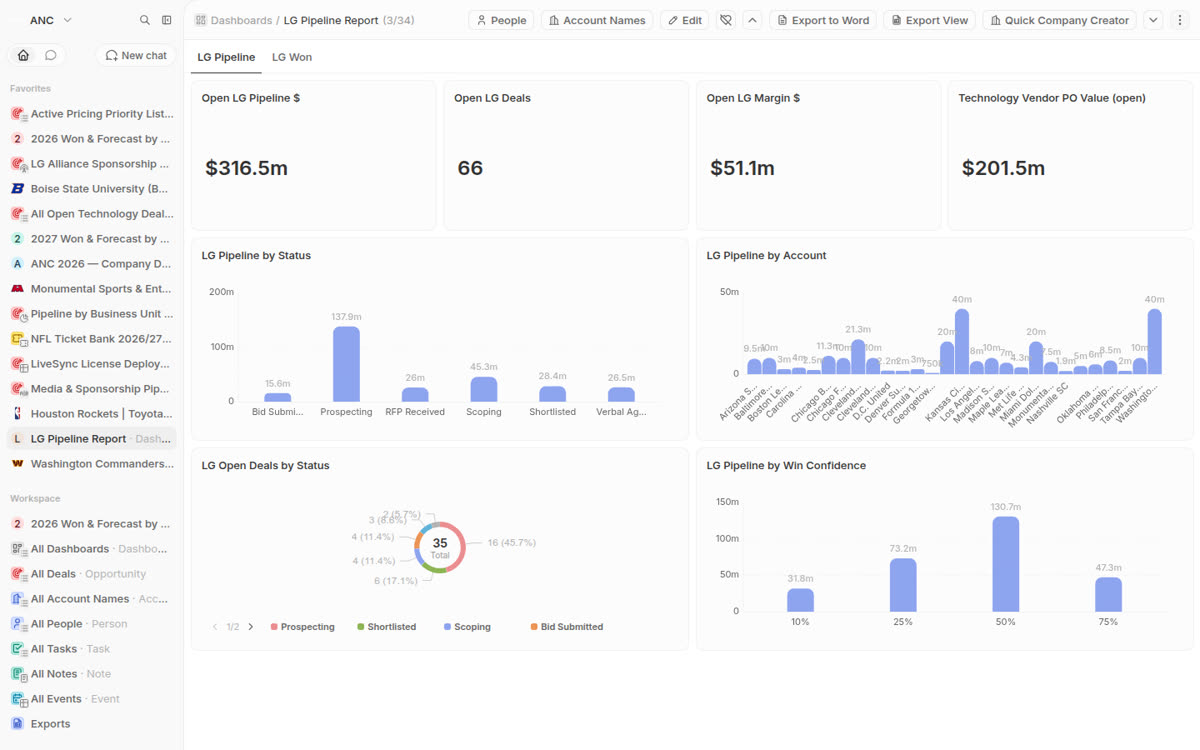
Both tabs, open pipeline and won, broken out by account, status and league.
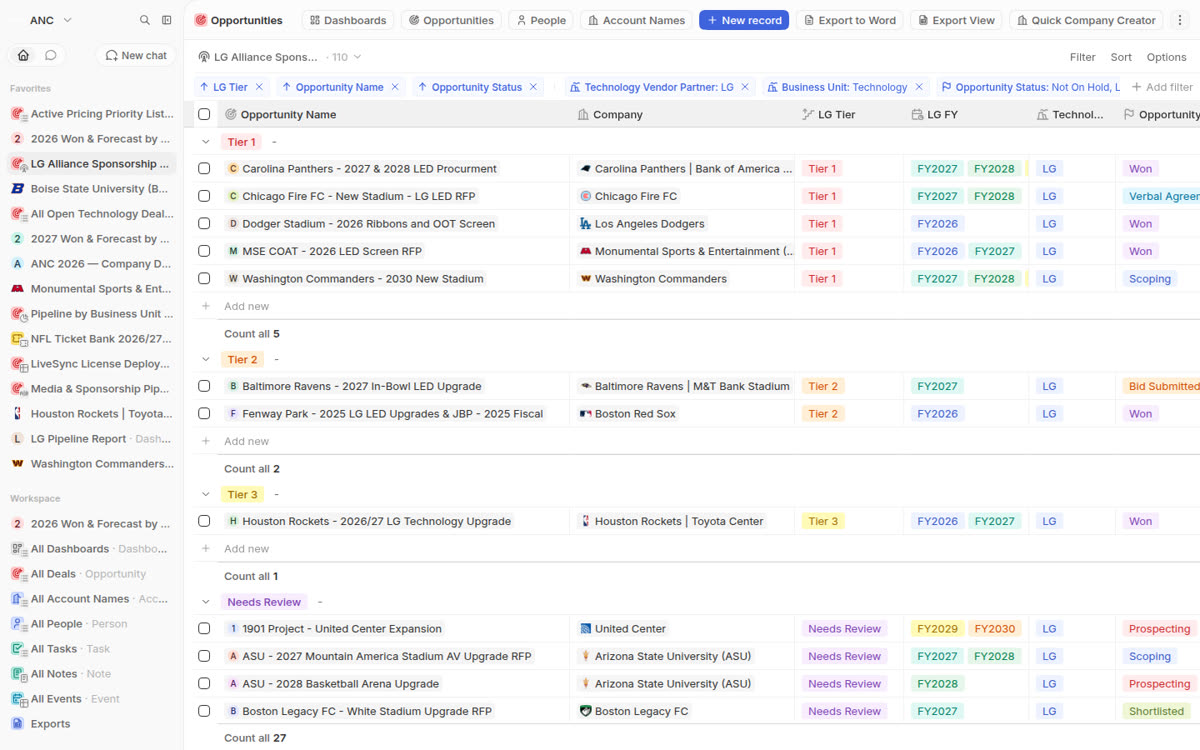
Tier, fiscal year, vendor purchase order value, and sponsorship that rolls up as you type each year in.
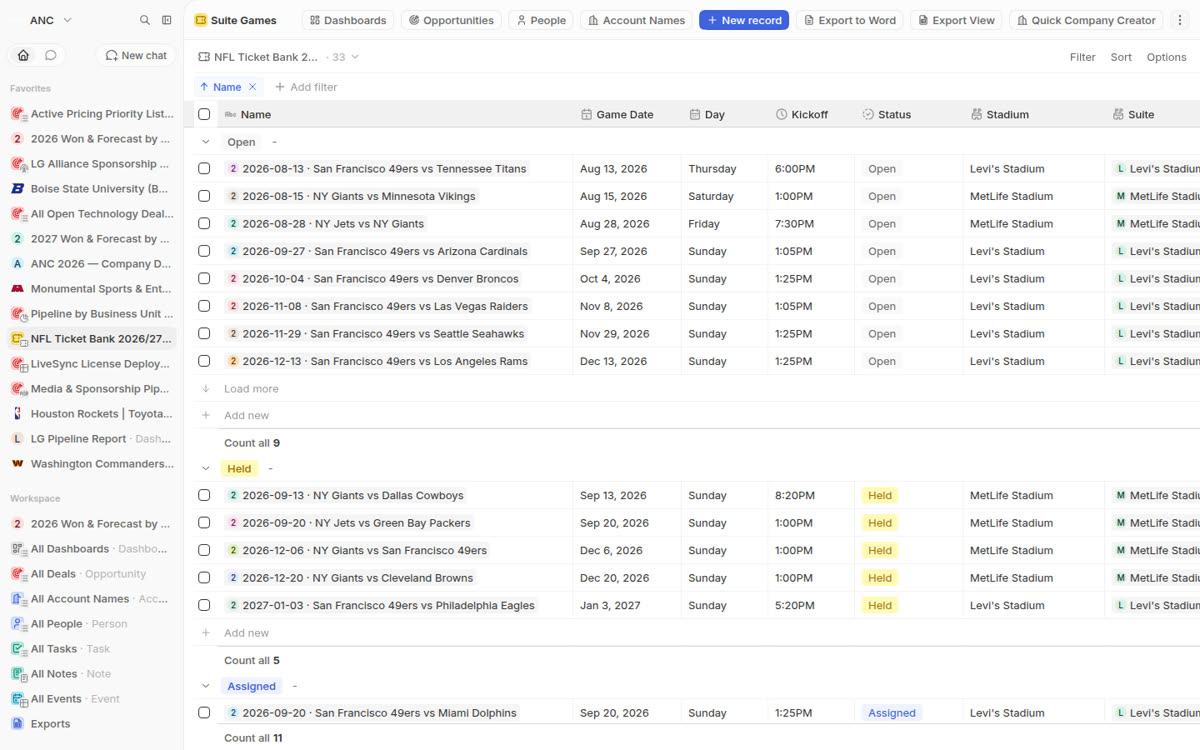
Every game, the suite, the host, whether tickets have gone out, what is still sellable.
Every column you added, now totalling at the foot and sorting alphabetically by default.
Won revenue, won margin, forecast by business unit, and the breakdown by owner.
Where you left them, with the ones you starred sitting above everything else.
Worth knowing. The update had to rewrite a search index across 970,000 activity records, which is why it ran on a weekend and was rehearsed on a full copy of live data first. That rehearsal caught two problems that would have taken the CRM down mid-upgrade — both fixed before production was touched.